
Logitech
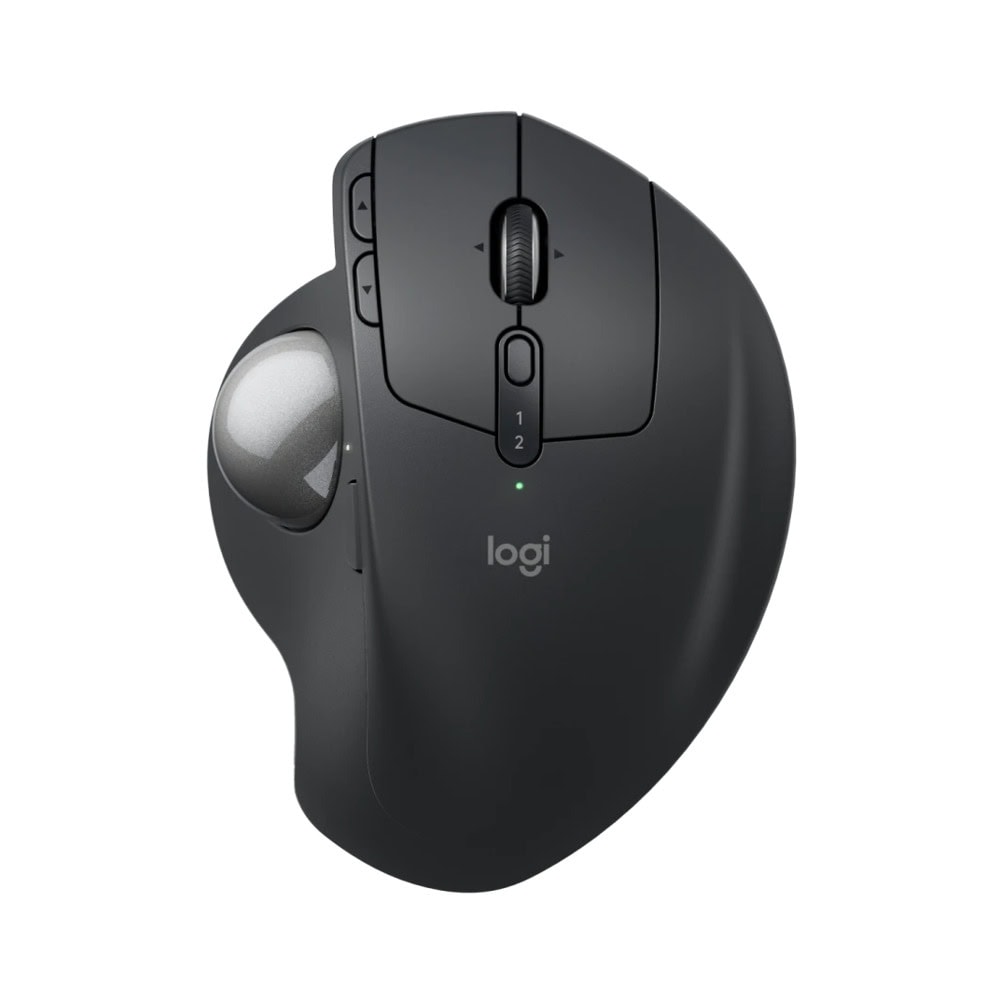
Мишка Logitech MX Ergo S
Артикул №: 1000036937
Категория:
Мишки
115,99 €
✓ Налично в централен склад
- Weight (without metal plate/without receiver): 164 g
- Weight (with metal plate/without receiver): 259 g
- Number of Buttons: 8 (Left/Right-click, Back/Forward, Scroll-wheel with Right/Left-tilt and Middle-click, Precision Mode, Easy-switch)
Характеристики
| Височина | 132.5 mm |
| Ширина | 99.8 mm |
| Дълбочина | 51.4 mm |
| Weight (without metal plate/without receiver) | 164 g |
| Weight (with metal plate/without receiver) | 259 g |
| Minimal and maximal value | 512-2048 dpi |
| Buttons Number of Buttons | 8 (Left/Right-click, Back/Forward, Scroll-wheel with Right/Left-tilt and Middle-click, Precision Mode, Easy-switch) |
| Number of customizable buttons | 6 |
| Живот на батерията | Up to 120 days on a single full charge; 1-min charge for 24-hour of use |
| Wireless range | 10-m (33-ft) wireless range |
| Logi Bolt USB Receiver Required | USB-A port , Windows 10, 11 or later , macOS 12 or later , Linux |
| Bluetooth Required | Bluetooth Low Energy , Windows 10, 11 or later , macOS 12 or later , Linux |
| Or later | 12 |